Find a party
Parties that show their conditions from the start
Start time, game, server, rank and open positions are right on the card — join the one that fits. No forum posts, no DMs asking for details.
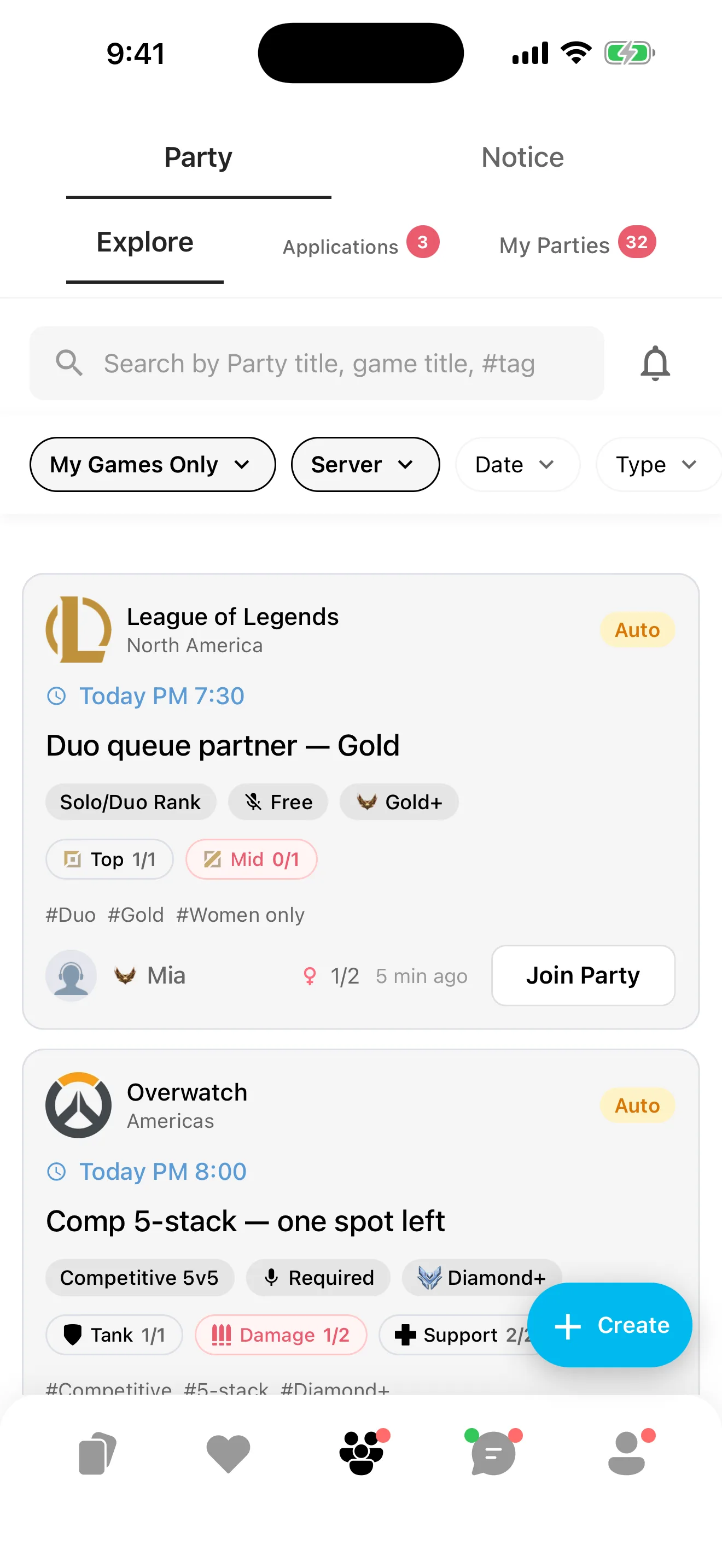

GamePal · Find your gaming crew
Where gamers from around the world find people to play with — show how you play with GBTI, meet through parties, stay connected as friends.
Gaming friends — all in GamePal.
See how it worksGBTI
Check your play style with GBTI and build your own way of choosing who to play with.
DPS and Support, Win and Fun, Group and Solo, Order and Quiet — four axes meet to make a type.
Tap through all 16 types.
It shows how you like to play, not how good you are and not a judgement of anyone.
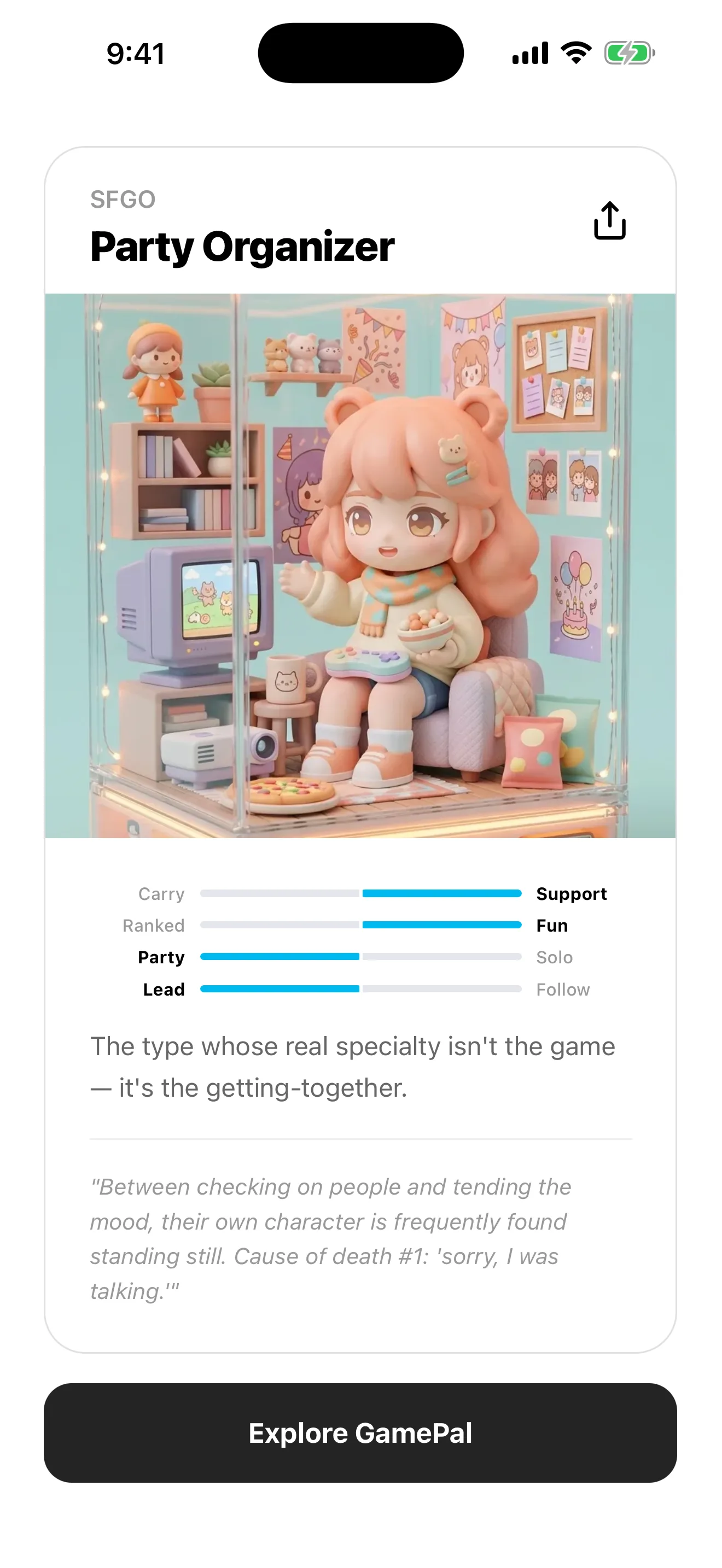
Profile card
Your GBTI result alone is enough to make a character card that feels like you. Photo-based styles exist too, but you never have to pick one.
You can change the style anytime.
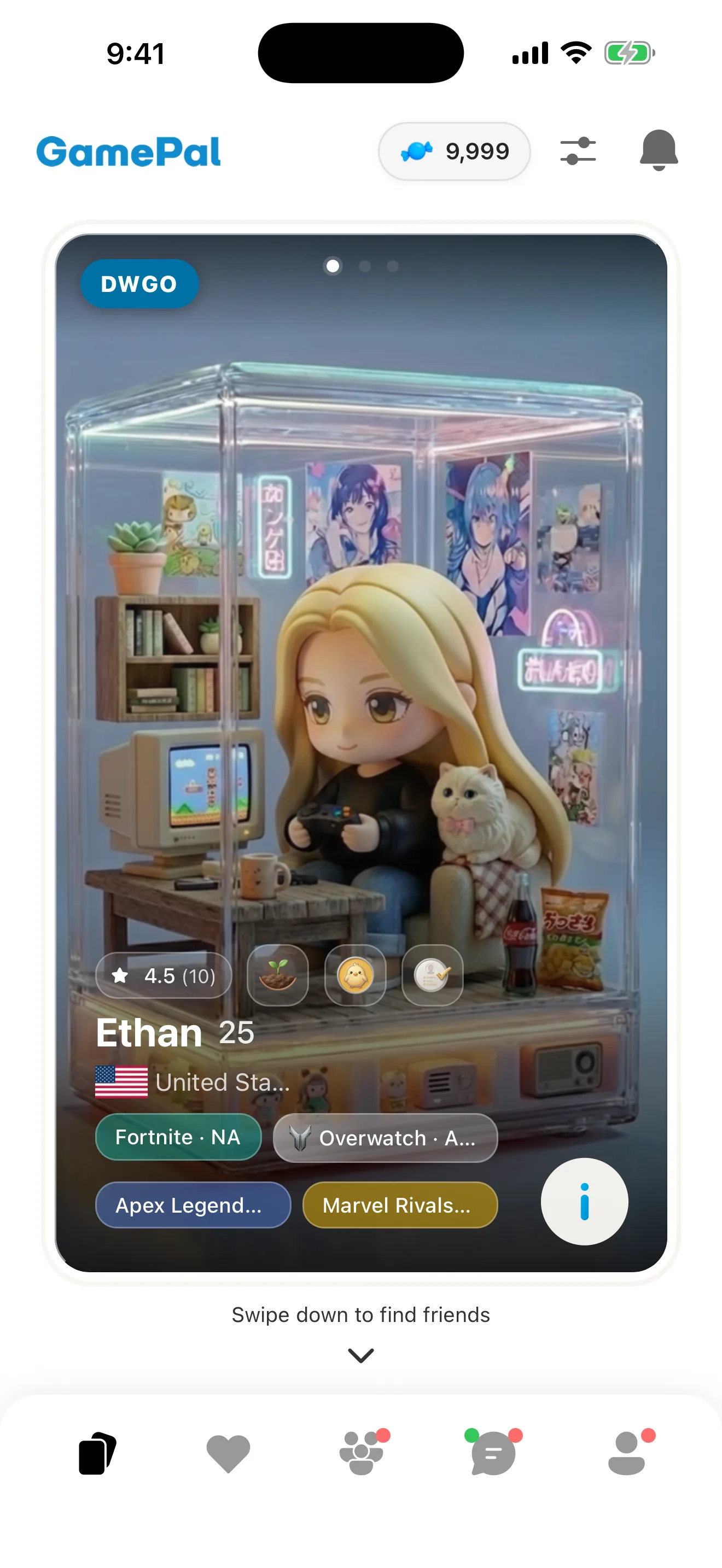
Browse people through their cards — from players who can queue with you, to players whose taste makes you want to start a new game together.
One profile card makes choosing who to play with easy.
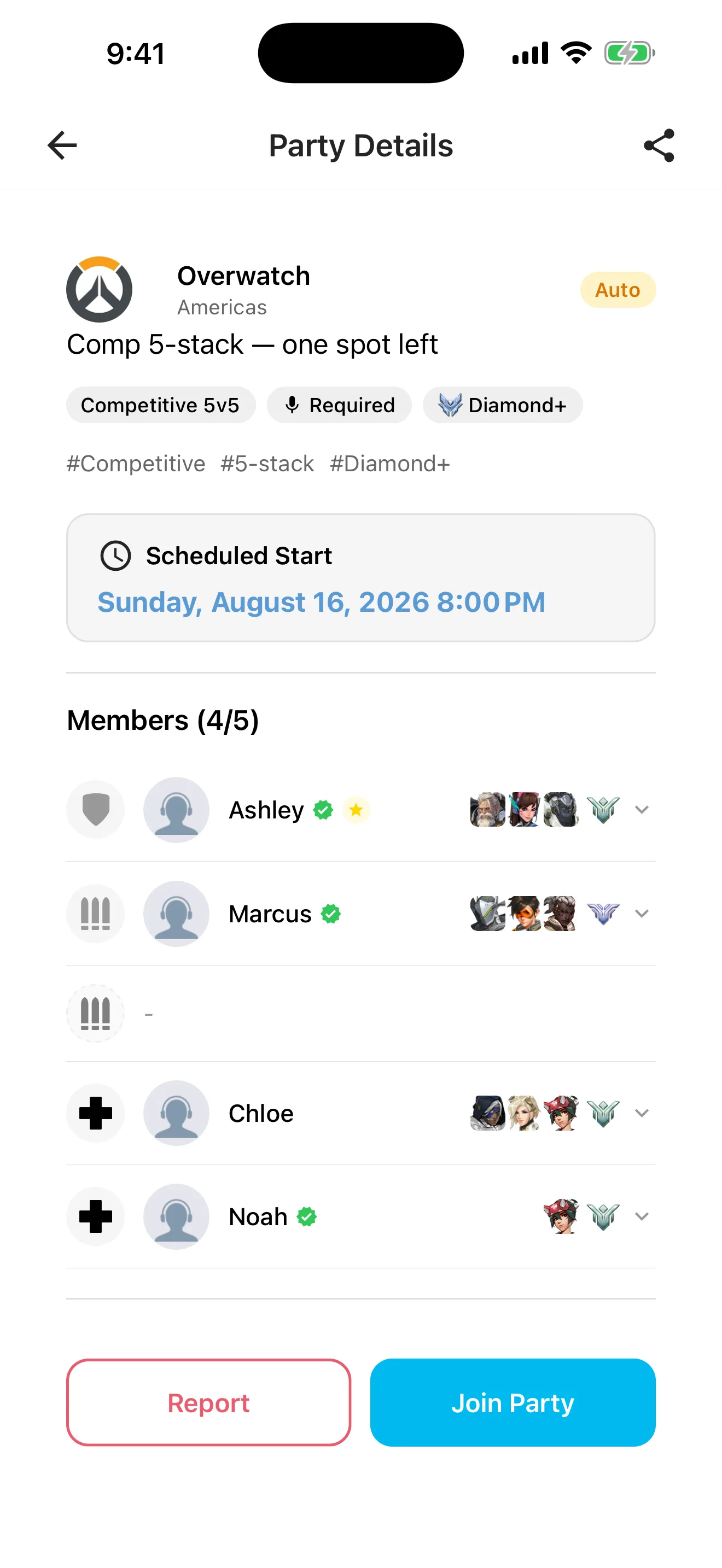
Find a party
Start time, game, server, rank and open positions are right on the card — join the one that fits. No forum posts, no DMs asking for details.
Before you join
Check members, positions, and voice expectations before it starts.
When the party starts, a group chat and your own Discord channel are ready. Link your Discord account once and voice chat works from then on.
After the game
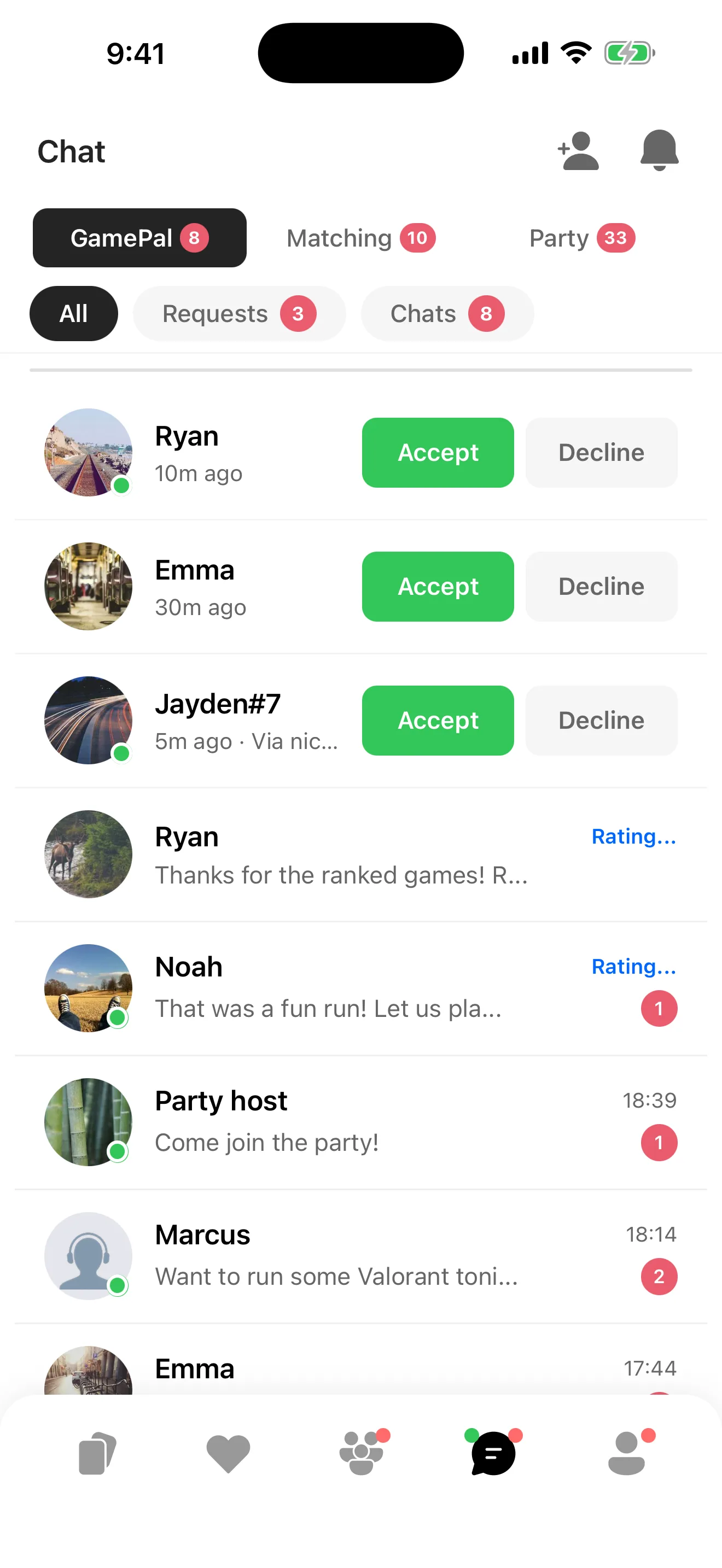
When a party ends, players leave each other manner scores. Add the ones you clicked with as friends and meet again — and if it didn't click, that's fine. Nothing obliges you to keep it going.
GamePal is for residents of South Korea aged 19+, and residents elsewhere aged 18+.
GamePal is on the App Store for iPhone and on Google Play for Android.
A service where gamers find people and parties to play with. Express yourself with GBTI and your figure, then open a party that meets at the time you set.
Each party in the list shows its start time, game, server and rank, which positions are still open, and whether voice is required. If nothing fits, you can start your own.
Swipe through profile cards in the Matching tab. Each card shows the games someone plays and the ranks they verified, and you can send a like to anyone you want to play with.
Yes. If you play the same game on the same server, nationality does not matter. The app is available in 16 languages including Korean, English and Japanese, and you can narrow the party list by game and server.
Residents of South Korea aged 19 or older, and residents elsewhere aged 18 or older. This follows where you live, not the language you are reading in.
You can report or block them. The rules everyone agrees to are written in the Community Guidelines, and you can reach us at support@gamepal.co.
Use the App Store button on this page for iPhone, or the Google Play button for Android.